Original stays intact
Every adjustment is a reversible instruction. Return to the imported source, any history state, or a saved version whenever you wish.
 ChromaTime
A quieter way to make colour memorable
ChromaTime is a non-destructive finishing studio for photographers and filmmakers who care about the life inside an image—not just its settings.
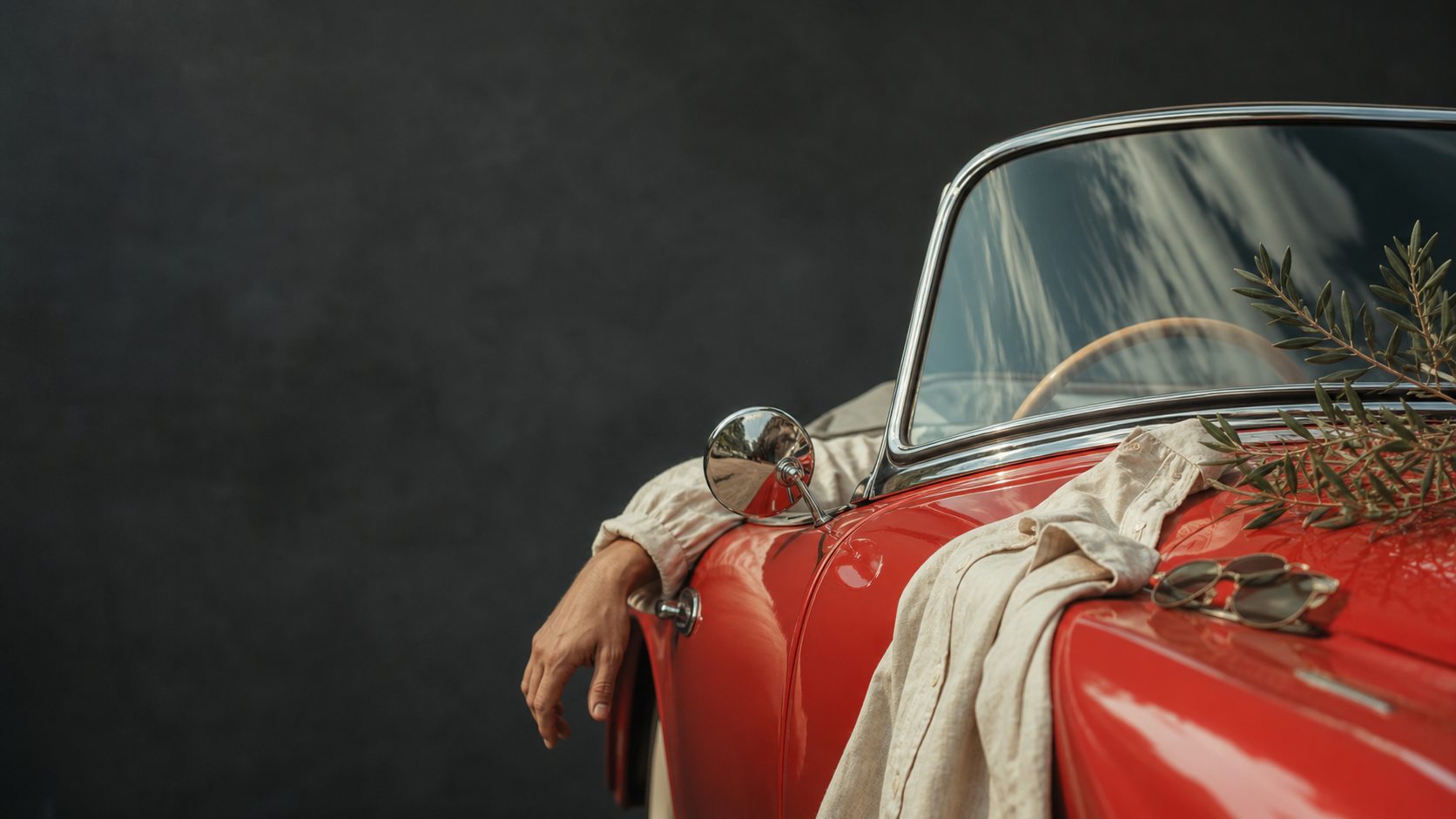
The ChromaTime difference
Light, skin, atmosphere, materials and depth all respond differently. ChromaTime keeps them in conversation, so a profile can be expressive without flattening the photograph beneath it.
Explore the studio language →Every adjustment is a reversible instruction. Return to the imported source, any history state, or a saved version whenever you wish.
Profile expression is bounded by highlight, shadow, detail and naturalness checks—so colour never has to cost you information.
Fast local preview and a layered recipe let you see the consequence of a decision while you are still making it.
Interactive frame study
Move the divider. The image remains itself; the interpretation changes. This is the promise of a non-destructive recipe rather than a destructive export-first workflow.
How it works
Our public approach is simple. The proprietary measurement and rendering details remain protected; the creative decisions remain yours.
RAW, DNG, JPEG, TIFF or video: retain the best available source information and record its technical context.
Measure tone, neutral evidence, depth and colour relationships to distinguish a creative choice from a technical compromise.
Film, camera, lens, scanner, print and Movie Palette studies act as independent, removable recipe layers.
Export a tagged, documented image in the size and format your next destination needs.
Designed for attention
Film Compass brings the active profile’s useful controls forward—colour nearness, richness, clean balance, grain, dreaminess or lens depth—without flooding the editor with unrelated knobs.
Simple plans, explicit limits
Prices shown before applicable local taxes. Mobile billing follows App Store and Google Play rules; web billing is offered where available.
Field
₹0 / month
Learn the studio and keep a small active catalogue.
For serious practice
Studio
₹1,199 / month
The everyday finishing space for photographers.
Atelier
₹2,499 / month
For larger archives, premium output and collaborative review.
High-compute services are metered transparently rather than hidden behind “unlimited” plans. We will publish exact allowances before public billing opens.
The ChromaTime Journal
Notes on light, profile choice, archival practice and finishing—written for photographers, not reverse engineers.
Your next frame has a history worth keeping